 By Raji Shah · Published 2026-10-23
Two different problems hide behind "my AirPods keep disconnecting" for Garmin owners, and the fix depends on which one you have. If your AirPods are paired to your iPhone and drop every few seconds whenever your Garmin watch is connected, that is a known problem Garmin has been investigating since spring 2026, with no fix as of October 23. If music stored on the watch cuts out during runs, Garmin has fixed one cause, audio going silent after skipping a Spotify song, while other watch-side problems are still open.
Quick answer: first work out where your music plays from. If it plays from your iPhone and your AirPods keep dropping while your Garmin is connected, Garmin calls it under investigation and hasn't shipped a fix. Short of disconnecting the watch, the workaround owners most consistently report working is to turn off Garmin Connect under the watch's entry in your iPhone's Bluetooth settings, though that also stops syncing, LiveTrack and incident detection until you turn it back on. If music plays from the watch and cuts out, update the watch first: software 18.32 fixed Spotify going silent after a skip on several models. Then pair the earbuds with your phone's Bluetooth off, and wear the watch on the same side as the earbuds' antenna. Test your setup on a long run before race day.
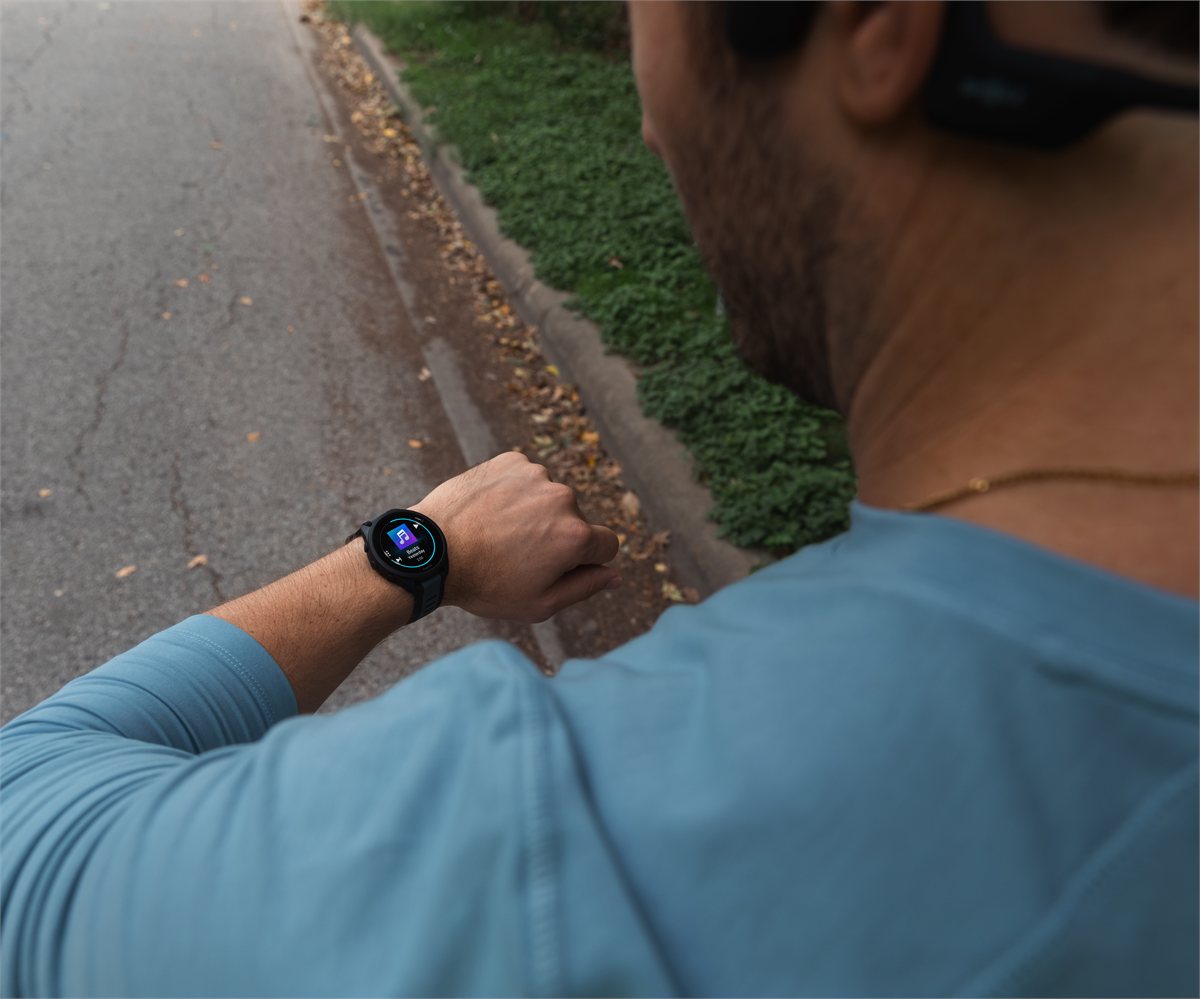
Which problem do you have?
| What happens | Where the music plays from | What's going on |
|---|---|---|
| AirPods connect and drop every second or few seconds, or cut out during music and calls, while the watch is connected; they work normally once it's disconnected | iPhone | A known problem with Garmin devices and iPhones that Garmin is investigating |
| Audio goes silent after you skip or pause, while the watch still shows the song playing | Watch | The Spotify skip bug; a fix is listed in 18.32 and fenix 8 23.39 |
| Music stutters or drops every few minutes on runs | Watch | Signal or pairing, or an open problem on some models |
| The watch freezes or restarts while music plays | Watch | Under investigation on the Venu 4 and fenix 8; public betas list a fix for restarts at the start of a GPS activity |
Why do my AirPods keep disconnecting from my iPhone when my Garmin is connected?
Owners describe AirPods that are paired only to the iPhone, not to the watch, connecting and then dropping every half-second to three seconds in a loop, or cutting out during music, podcasts and calls whenever the Garmin is connected to the phone. Many link the drops to the Garmin Connect app being open or running in the background. The main thread on Garmin's Connect iOS forum, started April 1, 2026, had more than 52,000 views and 197 replies by October 23. Across it and a follow-up thread, at least 95 distinct owners reported the problem between April 1 and October 18.
The reports cover AirPods Pro 3, AirPods Pro 2 and AirPods 4 on iOS 26.4 through 27.0.1, with the fenix 8, Forerunner 970, 570, 265 and 165, Venu 4, Instinct 3 and several Garmin Edge bike computers among the devices. No matching reports turned up in Garmin's Android forum.
Garmin's staff have acknowledged it without naming a cause:
- June 11, 2026: Garmin was "aware of the reports" and its teams were "actively investigating," with no timeline for a resolution.
- September 29: "This is currently under investigation by our internal teams," in the reply the forum marks as the thread's verified answer. The same day, in an older thread about AirPods Pro 3 cutting out during music played from the watch, staff sent owners to the main thread, saying the issue was "already being tracked" there, without saying the two problems share a cause.
- October 14: Garmin's engineers asked whether anything changed after updating to iOS 27; the owners who answered said it hadn't.
No fix has appeared in Garmin Connect's App Store release notes, which are generic for every version through 5.30.1 (October 11), or in Apple's iOS notes through 27.0.1. Garmin hasn't said whether the cause is the Connect app, the watch software or iOS.
How to stop AirPods disconnecting from your iPhone
None of these is an official fix. Garmin hasn't endorsed the owner workarounds, and its own suggestions mostly didn't help the owners who tried them:
| What to try | What owners report | The catch |
|---|---|---|
| In iPhone Settings > Bluetooth, tap (i) next to your Garmin, turn off Garmin Connect under the apps allowed to connect, then quit Garmin Connect | At least 9 owners said it stopped the drops; none reported it failing | No syncing, LiveTrack or incident detection until you turn it back on |
| Force-quit Garmin Connect | At least 8 owners said the drops stopped while the app stayed closed | No syncing, LiveTrack or incident detection while it stays closed; owners say Connect can relaunch in the background when the watch connects, and one still had drops with it closed |
| Disconnect the watch from the phone, from the watch's controls menu or by turning off its Bluetooth | At least 15 owners said the drops stopped | No notifications, syncing or phone-based safety features while disconnected |
| Let a pending watch software update finish | At least 7 owners said the drops stopped once a stuck or pending update installed | At least 8 others said they were fully up to date and still affected |
| Garmin staff's suggestions: reinstall Garmin Connect (April 8); set the AirPods to When Last Connected to This iPhone (April 16); or forget the watch and AirPods, reset network settings, restart both devices and pair again (September 24 and October 2) | Reinstalling failed for at least 4 owners and the AirPods setting for at least 2; three owners said the full reset didn't help, and none reported lasting success | Apple says Reset Network Settings erases saved Wi-Fi networks and VPN settings |
Re-pairing the AirPods, the watch or both failed for at least 10 owners, and two owners who got replacement AirPods still had the problem. If you want to help Garmin find the cause, its staff asked affected owners on September 29 to contact their local Garmin support office with logs. Include your watch model and software version, your Garmin Connect and iOS versions, and your AirPods model.
Can AirPods connect to a Garmin watch and an iPhone at the same time?
Not reliably, and Garmin advises against it. AirPods pair with a Garmin watch as a standard Bluetooth headset: Apple says they can play audio and handle calls with non-Apple devices, without Siri, and that automatic switching works only among Apple devices signed in to the same Apple Account. Garmin's manuals warn that headphones previously connected to your phone may connect to it instead of the watch, and a Garmin staff member told one fenix 8 owner in September to make sure the headphones "are not connected with the phone at the same time." To pair AirPods with the watch:
- Turn the iPhone's Bluetooth fully off in Settings > Bluetooth. Apple says the Control Center button only disconnects accessories for a while, and Garmin's manuals also suggest staying 10 m (33 ft) from the phone while you pair.
- Pair from the watch's music settings. On the Forerunner 970, 570 and fenix 8, hold the middle-left button, then go to Watch Settings > Music > Audio Output > Add New, with the headphones within 2 m and in pairing mode. On AirPods 4 and AirPods Pro 3, Apple's way into pairing mode is to double-tap the front of the open case; older AirPods use the setup button.
- Turn the phone's Bluetooth back on. Garmin's FAQ says this won't affect headphones that are already connected to the watch.
Be careful with "forget this device": Garmin's FAQ suggests forgetting the headphones on your other devices, but Apple says forgetting AirPods on an iPhone removes them from every device signed in to your Apple Account.
Why does my Garmin go silent after I skip a song?
After software 18.29, at least 14 owners in a Forerunner 970 thread and at least 7 in a Forerunner 570 thread reported music problems, most often audio stopping after a skip or pause while the watch still showed the song playing. Earbuds named included AirPods Pro 3, AirPods 4 and Powerbeats Pro 2.
Garmin's change logs list "Fixes potential issue with Spotify music playback after skipping songs via paired Bluetooth headphones" in software 18.32 for the Forerunner 970, 570 and 170, Venu 4 and vivoactive 6 (posted October 6 to 12), and in fenix 8 software 23.39 (September 24). In the Forerunner 570 thread, Garmin staff said on October 6 that 18.32 "appears to address" the problem. The fix wording names only Spotify, so it's unclear whether it also covers music from other sources.
Early reports are few and mixed. As of October 23, no owner in those threads had reported the silence after a skip coming back on 18.32. Of three Forerunner 970 owners who posted after updating, one said the problems were drastically reduced, one with AirPods 4 had 6 or 7 disconnects on a 20-mile run but none on a 14-mile run, and one with Powerbeats Pro still needed two or three presses to skip. One fenix 8 owner said that after 23.39, pausing and resuming with AirPods still took three or four presses. To check for an update on the Forerunner 970 or 570, go to Menu > Watch Settings > System > Software Update > Check for Updates; the Venu 4 and fenix 8 manuals also put Software Update under System settings.
If the audio goes silent mid-run, owners recover it, usually only until the next skip, by pressing pause and play about three times, switching the output to the watch speaker and back, re-selecting the playlist, or disconnecting and reconnecting the headphones from the watch's menu. Some owners avoid it by not skipping or pausing during the run.
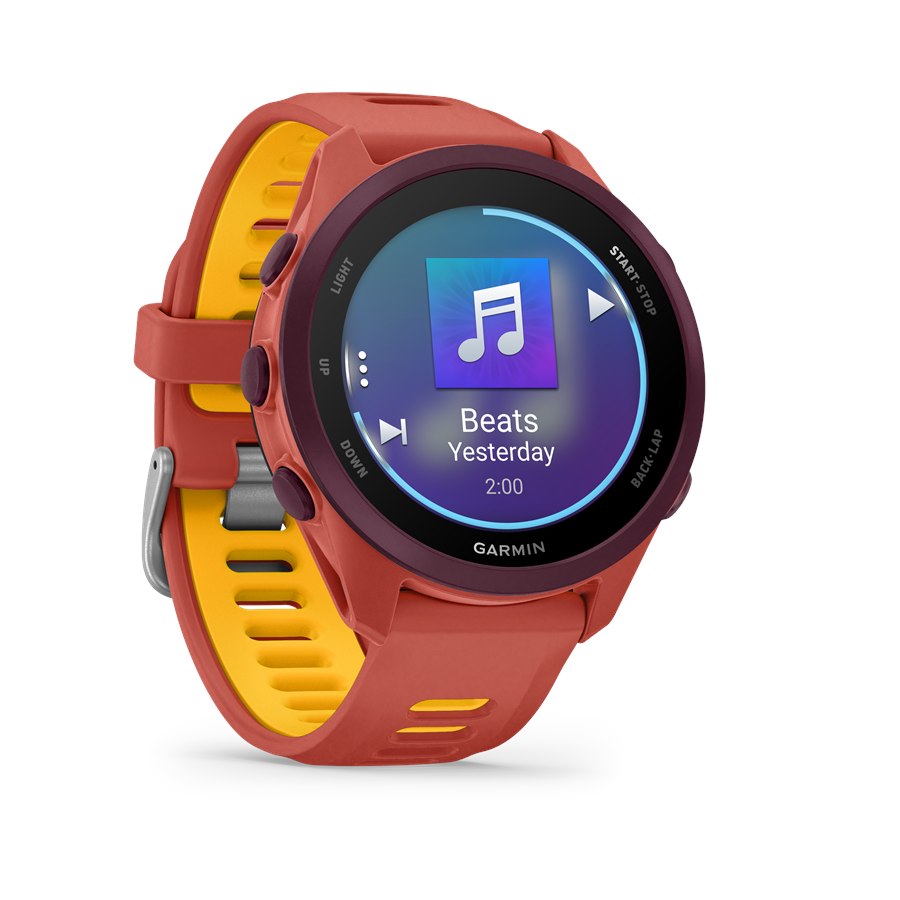
Why does music from my Garmin cut out or stutter on runs?
Start with the radio link between your wrist and your ears. Garmin's manuals say the Bluetooth signal is strongest with a direct line of sight and can weaken or disconnect when it passes through your body, so:
- Match the sides. Wear the watch on the same side as the earbuds' antenna, such as left wrist with the antenna at the left ear, or try the other wrist.
- Change the band. Garmin says swapping a metal or leather band for silicone can improve the signal.
- Test indoors and outdoors. Garmin's FAQ says some headphones work better indoors, where walls help the signal bounce back to the watch.
- Pair to the watch first. Turn off Bluetooth on the phone and other nearby devices while you connect, since earbuds may try to rejoin them.
- Reset in order. Update the watch, then restart it, turn its Bluetooth off and on, remove the headphones under Sensors & Accessories and pair again, and remove any duplicate pairing of the same headphones as another sensor type, such as a foot pod.
The body-blocking point has some research behind it: in one small study of 2.45 GHz body-worn radio links, the link to the wrist varied the most as the arm swung, because body parts blocked the direct path. Garmin's FAQ adds one more rule: if music stays paused or stopped for 30 minutes, the watch drops the headphone connection to save battery. Opening the music controls makes it search again.
Some models also have unresolved problems that the steps above may not fix. At least 19 fenix 9 Pro owners reported dropouts or silence between September 6 and October 20, and as of October 20 Garmin's staff were still asking for details rather than acknowledging a known issue. One of those owners could reproduce the problem only with the earbuds' multipoint on and the phone's Bluetooth active. At least 6 Forerunner 965 and 955 owners, most on software 29.05, reported stutter or unstable headphone audio, and on September 22 staff suggested trying other headphones. Two Forerunner 165 Music owners said switching earbuds solved random breaks. Two owners also fixed AAC (.m4a) files that stopped playing properly after the September updates by converting them to MP3.
What if my Garmin restarts while music is playing?
Crashes with headphones connected are still open on several models. Garmin's staff opened an internal ticket in February 2026 for Venu 4 watches "crashing/shutting down/rebooting while listening to music through Bluetooth headphones during an activity," and on October 15 said they were still investigating; the 18.30 and 18.32 notes claim no fix. For the fenix 8, a staff member began collecting crash reports on October 22 after owners described reboots with Spotify and Bluetooth headphones on software 23.39 and 23.40. Forerunner 970 owners reported reboots on 18.29 when pausing or resuming with headphones and sensors connected, and on October 9 staff asked them to update to 18.32 and report back; one has since reported no reboots on 18.32.
Garmin's public betas, 24.12 for the fenix 8 family (October 16) and 19.15 for the Forerunner 970, 570 and Venu 4 (October 20), list a fix for the watch restarting "when starting a GPS activity with Bluetooth headphones connected." Betas reach only watches enrolled in Garmin's public beta program, so most owners don't have them.
In owner reports, the activity usually survives. At least 8 owners whose watches restarted mid-run said it resumed, after roughly 2 to 5 minutes, though some lost a stretch of data or a Connect IQ data field didn't come back. If the watch shows recovery mode instead, Garmin's manuals say Attempt Recovery usually keeps the activity data, while Cancel Activity deletes it.
Which Garmin software versions have reported audio problems?
| Device | Software | Audio problem | Status as of October 23, 2026 |
|---|---|---|---|
| Garmin watches with an iPhone | Garmin Connect iOS through 5.30.1 | AirPods dropping from the iPhone while the watch is connected | Under investigation; no fix |
| Forerunner 970, 570 | 18.29 | Silence after skipping songs; on the 970, restarts with headphones connected | Spotify skip fix in 18.32 (October 6); staff asked 970 owners to retest the restarts on 18.32; activity-start restart fix in beta 19.15 |
| Forerunner 170 Music, vivoactive 6 | 18.29 | Silence after skipping songs | Spotify skip fix in 18.32 (October 6 to 12) |
| Venu 4 | 16.28 through 18.32 | Crashes or restarts while playing Bluetooth music | Under investigation; activity-start restart fix in beta 19.15 |
| fenix 8, fenix 8 Pro | 23.31 through 23.40 | Skip and pause problems; restarts with Spotify | Spotify skip fix in 23.39; crash reports under investigation; activity-start restart fix in beta 24.12 |
| fenix 9 Pro | 6.48, 6.49 | Dropouts and silence | Not acknowledged; staff collecting details |
| Forerunner 965, 955 | 29.05 | Stutter or unstable audio | Not acknowledged; staff collecting details |
How to keep music playing on race day
- Update early, not in race week. Install watch and Garmin Connect updates at least a week out, check the release notes for audio fixes, and test them on a long run.
- Sync your music. Garmin's Spotify FAQ says downloads can disappear if the watch hasn't synced over Wi-Fi in 15 days, so sync Spotify within 15 days of the race.
- Pair cleanly. Connect the earbuds to the watch with the phone's Bluetooth fully off, then turn it back on.
- Mind the corral. Don't leave music paused for 30 minutes or more before the start, or the watch drops the headphones; open the music controls to reconnect.
- Build the playlist in order. If your watch had the skip bug, some owners avoid it by not skipping or pausing mid-run, so load a playlist you can leave running.
- Choose your trade-off. If your AirPods drop from the iPhone, turning off Garmin Connect's Bluetooth access or disconnecting the watch costs you LiveTrack and incident detection. Music from the watch keeps them, but test it on a long run first, since some AirPods Pro 3 owners report cut-outs that way too.
- Let a restart finish. If the watch reboots, wait for it; if recovery mode appears, choose Attempt Recovery, not Cancel Activity.
Our race-day wearable checklist covers the rest of the setup.
Bottom line
If your AirPods keep dropping from your iPhone while your Garmin is connected, you're dealing with a problem Garmin is investigating but hasn't fixed, and the main owner workarounds trade away syncing and safety features while they're on. If music from the watch cuts out, update first, since 18.32 and 23.39 list a fix for the Spotify skip bug, then work through Garmin's pairing and signal steps. Crashes with headphones connected are still under investigation on the Venu 4 and fenix 8, so test your setup on a long run before you race with it. If you're still choosing a watch, our Apple Watch vs Garmin comparison covers battery, GPS, training tools and which phones each works with.
FAQ
Why do my AirPods keep disconnecting when my Garmin is connected?
It's a known problem with Garmin devices connected to iPhones, and Garmin says it is under investigation. As of October 23, 2026, no Garmin Connect or iOS release lists a fix. The workarounds owners most consistently report working are turning off Garmin Connect under the watch's entry in iPhone Bluetooth settings and disconnecting the watch.
Does turning off Garmin Connect's Bluetooth access affect my watch?
Yes. While it's off, owners report no syncing, and Garmin's manuals say LiveTrack and incident detection need the watch connected to the Garmin Connect app, so both stay off until you turn it back on, including during runs.
Did Garmin fix music cutting out after skipping songs?
For Spotify on several models, yes: software 18.32 for the Forerunner 970, 570 and 170, Venu 4 and vivoactive 6, and 23.39 for the fenix 8 and fenix 8 Pro, list a fix. A few owners still report skip or pause problems after updating.
Can AirPods connect to a Garmin and an iPhone at the same time?
Not reliably. Garmin advises keeping headphones from connecting to your phone while they're paired to the watch. Pair them with the phone's Bluetooth fully off, then turn it back on.
Do AirPods work with Garmin watches?
Yes, as standard Bluetooth headphones on Garmin watches that play music, without Siri or automatic switching. Owners in Garmin's forums report problems with AirPods Pro 3 and AirPods 4, among other earbuds, so test yours on a long run.
Why does my Garmin disconnect my headphones when music is paused?
To save battery, Garmin watches drop the headphone connection after 30 minutes with music paused or stopped. Opening the music controls makes the watch search for the headphones again.
Will my run be saved if my Garmin restarts mid-activity?
Usually. At least 8 owners whose watches restarted mid-run said the activity resumed after a few minutes, though some lost a stretch of data. If recovery mode appears, Garmin's manuals say Attempt Recovery usually keeps the activity data, while Cancel Activity deletes it.