 By Raji Shah · Published 2026-10-19
If you wear WHOOP and run with a Garmin, the two often disagree: WHOOP's HRV reads differently, Recovery is green while Training Readiness says rest, and a hard run earns a modest Strain but a big Garmin load. Neither is necessarily broken. They measure different things, at different times, often from different sensors. Here is how each number is built, which one answers which question, and a setup that keeps both useful.
Quick answer: don't compare the raw numbers across brands. Use Garmin for the run itself and for training load over the week, and use WHOOP's Recovery or Garmin's Training Readiness for the morning decision, whichever device you sleep in every night. Follow HRV as a trend against each device's own baseline. Set the same max heart rate in both apps, and wear the WHOOP band on runs if you want its Strain to count them. WHOOP is worth adding to a Garmin only if you will act on its Recovery score and coaching.
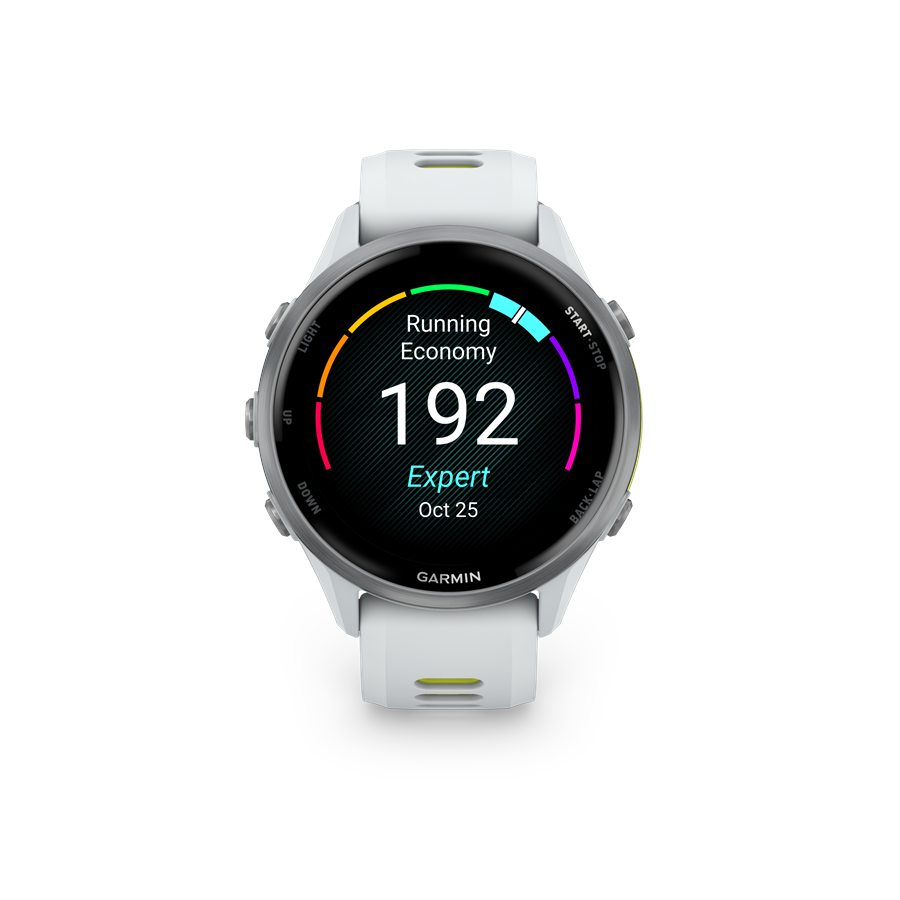
The same idea, measured differently
| Metric | WHOOP | Garmin |
|---|---|---|
| Overnight HRV | RMSSD measured during sleep, weighted toward deep sleep (WHOOP's own descriptions vary) | An average across the whole night, charted in 5-minute windows; HRV Status compares your 7-day average with a baseline built over about three weeks |
| Morning readiness | Recovery: one score each morning, mainly from HRV, resting heart rate, respiratory rate, and sleep | Training Readiness, Poor to Prime: sleep and recovery time first, plus acute load, HRV Status, and sleep and stress history |
| All-day energy | No separate gauge; Recovery stays fixed for the day | Body Battery, 5 to 100, drained by activity and stress and recharged by rest and sleep |
| Training load | Strain: a daily 0 to 21 logarithmic score from all-day heart rate, plus muscular load for strength-type sessions | Acute load: EPOC from recorded workouts, each fading over 10 days, with the total normalized to a 7-day window |
| Heart-rate zones | Heart-rate reserve, adjusted monthly as resting heart rate changes | Percentages of max heart rate by default; heart-rate reserve or lactate threshold optional |
HRV: which to trust when they differ
The two companies summarize overnight HRV differently. WHOOP calculates RMSSD during sleep and weights it toward deep sleep, while Garmin averages the whole night. Garmin itself says comparing HRV across devices and protocols is "a challenge," because of differences in when and how long it is measured.
Owner reports range from a wide gap to almost none. In August 2025 forum posts, one owner put WHOOP at about 20 ms and Garmin in the late 20s to early 30s; another said WHOOP read 20 to 30% lower than their Garmin; a third said the two were always within a point. An independent multi-band test in August 2026 found overnight HRV from WHOOP and from Garmin's Cirqa band trending very similarly, and its point is the useful one: what matters is each device's consistency against your own baseline.
So follow each number as a trend, not against the other brand. Sleep in the same device every night, since each one builds its baseline only from the nights it records. Our HRV guide for runners covers how to read the trend.
Recovery vs Training Readiness and Body Battery
WHOOP's Recovery is a single morning percentage: green at 67% and above, yellow from 34 to 66%, red at 33% and below, with a member average of about 58%. It doesn't change during the day unless you edit your sleep, and it sets the day's Strain Target.
Garmin's Training Readiness leans on last night's sleep and on the recovery time left from recent workouts, and it also counts acute load. It updates through the day and drops after a recorded workout. That is why a day after a long run can show green on WHOOP and Low on Garmin: Garmin is weighing the run directly, and WHOOP mainly through what it did to your sleep and HRV. Garmin also says Training Readiness isn't designed to predict performance. Body Battery is a different tool again, an all-day energy gauge rather than a morning verdict.
Neither score is a lab test. One owner on a cycling-training forum said Recovery didn't predict how workouts went, with bad sessions on green days and good ones on red, and stopped planning by it. Treat either score as a prompt to check how you feel, not an order.
Strain vs training load: does wearing both double-count?
Not by design: neither app adds the other's scores to its own. WHOOP's Strain comes from the band's heart rate all day, and WHOOP says a Garmin run arriving through Strava merges into an activity it already logged instead of adding a second one. Don't rely on that alone: send Garmin runs to WHOOP by one route, preferably Strava. Garmin's load comes from workouts recorded on Garmin devices. WHOOP doesn't list a direct Garmin Connect link as of October 2026, and Garmin's Apple Health and Health Connect links only send data out, so workouts recorded in WHOOP can't reach Garmin's training load those ways.
The bigger risk is each app missing data. Garmin warns that recording only some workouts makes its load read low, so a session you log only in WHOOP leaves Garmin's training load short. WHOOP needs the band worn, since it scores its own sensor; it hasn't documented what an imported run scores when the band wasn't on. The two scores also run on different clocks: Strain resets daily on a logarithmic scale, while Garmin's acute load adds each workout and lets it fade over 10 days. Our guide to WHOOP Strain on runs compares them in detail.
Heart-rate zones won't line up either
WHOOP sets zones from heart-rate reserve, the gap between your max and resting heart rate, while Garmin defaults to percentages of max heart rate. Take WHOOP's own example, someone with a max of 200 and a resting heart rate of 50. At 135 bpm, that person is in Garmin's default Zone 2 (120 to 140) but WHOOP's Zone 1 (125 to 140), and WHOOP's Zone 2 starts at 140, where Garmin's ends.
To bring them closer, set the same max heart rate in both apps, and switch Garmin to heart-rate-reserve zones with the same resting heart rate. WHOOP's FAQ and Garmin both say zone settings don't change their load scores, but a wrong max heart rate can skew them, so set it carefully in both. Our heart-rate zones guide covers how to use zones on runs.
What each device needs you to wear
- Garmin: HRV Status needs about three weeks of overnight wear to set a baseline and also feeds Training Status; Training Readiness leans on last night's sleep, and Garmin says Body Battery is more accurate when you sleep in the device. Sleep in WHOOP alone and Garmin loses those inputs.
- WHOOP: Recovery needs the band overnight, and Strain needs it on during runs. A run done without the band gives WHOOP no heart rate for that time.
Owners split the jobs in different ways. A Forerunner 955 runner went back to a Garmin strap for runs and kept WHOOP on the upper arm for recovery data. Another wears WHOOP mostly at night and trains with a Garmin paired to a Polar H10. A WHOOP Peak owner wearing the Bicep Band on the inner biceps alongside a Forerunner 255 found the Garmin's heart-rate curve smoother and said WHOOP's spikes distorted Strain and Recovery.
A setup that works for runners
- Record every workout on the Garmin, not just runs, with a chest strap if you train by zones, so Garmin's load and Training Status see all your training.
- Pick one device for sleep and keep it. If it's WHOOP, use Recovery for the morning check; if it's the Garmin, use Training Readiness, though WHOOP then has no Recovery score. Wearing both overnight works too, as long as you plan by one morning score.
- Wear WHOOP on runs if you want Strain to reflect them. WHOOP's staff suggest the Bicep Band for hard sessions, worn on the outside of the upper arm; if readings look off, see our guide to WHOOP heart rate on runs.
- Connect Strava in the WHOOP app and let Garmin Connect upload to Strava, so runs import with route, distance, and pace. Make it the only route Garmin runs take into WHOOP; our guide to chest straps and Garmin data in WHOOP covers what syncs.
- Match max heart rate in both apps, and give a new device about three weeks before trusting its baselines.
Is WHOOP worth it if you already have a Garmin?
Only if you will act on what it adds. Many Garmin watches already track sleep, HRV Status, Training Readiness, and Body Battery. What WHOOP adds is a single morning Recovery score, coaching in its app, and a screenless band some people find easier to sleep in, for $199 to $359 a year in the US as of October 2026. If you would rather stay in Garmin Connect, Garmin's own Cirqa band ($199.99) covers similar ground with no required subscription; see our Garmin Cirqa vs WHOOP comparison. If your Garmin is comfortable at night and you already act on its Training Readiness and HRV Status, WHOOP will mostly duplicate what you have; if you skip those screens because they are hard to read, WHOOP's coaching is the part you would be paying for.
Bottom line
WHOOP and Garmin disagree because they summarize the night differently, define load differently, and often use different heart-rate data. Use Garmin for runs and weekly load, take your morning score from the device you sleep in, and read HRV as a trend. For the full case for and against the membership, see our WHOOP review for runners.
FAQ
Should I trust WHOOP or Garmin for HRV?
Follow each against its own baseline rather than comparing the numbers. WHOOP weights its overnight HRV toward deep sleep, while Garmin averages the whole night, and Garmin says HRV from different devices is hard to compare.
Does wearing WHOOP and a Garmin double-count my training?
Not by design. Neither app adds the other's scores to its own, and WHOOP says a Garmin run imported through Strava merges into an activity it already logged; still, send Garmin runs to WHOOP by one route, preferably Strava. The bigger risk is each app missing workouts it never saw.
Why is my WHOOP Recovery green when Garmin says Training Readiness is low?
Garmin's Training Readiness counts your recent training load and recovery time directly, while WHOOP's Recovery is built mainly from overnight HRV, resting heart rate, respiratory rate, and sleep. A hard run can lower Garmin's score before it shows up in WHOOP's.
Why do WHOOP and Garmin show different heart-rate zones?
WHOOP builds zones from heart-rate reserve, while Garmin defaults to percentages of max heart rate. Setting the same max heart rate in both, and switching Garmin to heart-rate-reserve zones, brings them closer.
Should I sleep in WHOOP or my Garmin?
Pick one and keep it, or wear both. Garmin needs overnight wear for HRV Status, leans on last night's sleep for Training Readiness, and says Body Battery is more accurate when you sleep in the device; WHOOP needs the band overnight for Recovery.
Is WHOOP worth it if I already have a Garmin?
Only if you will use its morning Recovery score and coaching. Many Garmin watches already track sleep, HRV Status, and Training Readiness, and WHOOP costs $199 to $359 a year in the US as of October 2026.