 By Raji Shah · Updated 2026-10-19
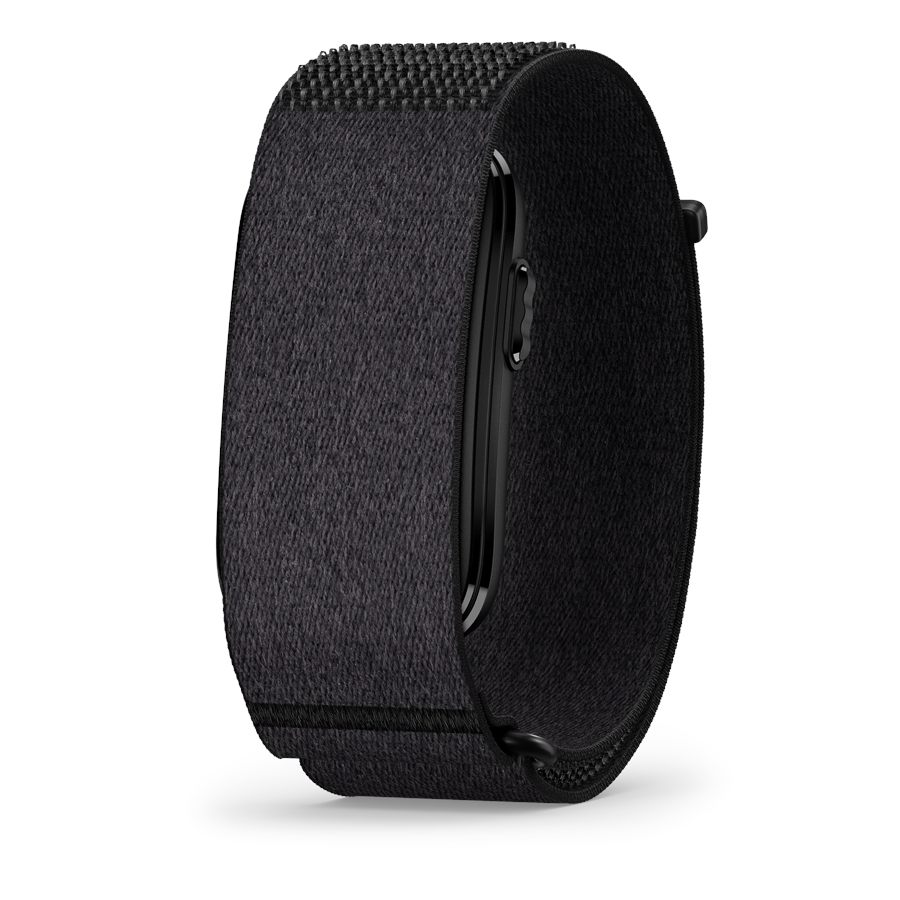
Garmin sells the Cirqa as a companion to its watches: the band covers sleep and the rest of the day, the watch records your runs, and Garmin Connect merges the two. It mostly works, but two settings decide which device's numbers win, and owners have hit a handful of conflicts. Here is how to set it up, and what to do when the numbers disagree.
Quick answer: record your runs on the watch and make it your Primary Training Device. Make the device you sleep in your Primary Wearable, which is usually the Cirqa unless your watch stays on around the clock. Turn off the Cirqa's Auto-Detected Activities so a watch-recorded run does not show up twice, wear the band on your wrist overnight, and sync both devices after workouts. Garmin documents no list of watches that work with the Cirqa, so check your watch against the compatibility notes below.
Primary Wearable or Primary Training Device: what each setting does
When more than one Garmin device is on your account, Garmin Connect asks you to set two priorities. They decide which device's data counts when both have recorded the same thing.
| Setting | What it controls | Usual choice with a Cirqa |
|---|---|---|
| Primary Wearable | All-day wellness data: steps, sleep, Body Battery, stress, and HRV Status. When two devices record at the same time, its data wins. | The device you sleep in. |
| Primary Training Device | Training Status, Training Effect, training load, and load focus. A device without Training Status cannot be the Primary Training Device. | The watch you record most of your runs with. |
Garmin's general advice is to use the same device for both, and the setup is simplest that way. If your watch stays on all day and night, make it both, and the Cirqa simply fills in when the watch is off. If the watch comes off after runs and the band stays on, Garmin's Cirqa manual points to a split: the band as Primary Wearable, the watch as Primary Training Device. Owners who split them report the side effects covered below, mostly Home tiles that lag until the band syncs.
To change either setting in the app, go to More > Settings > Primary Wearable or Primary Training Device, pick the device, tap Update, and sync. On the web it is under Manage Device Priority. The options only appear once two devices are on the account.
Which watches work with the Cirqa
Garmin's Cirqa page lists TrueUp, Physio TrueUp, and Unified Training Status, the features that share data between devices, but Garmin publishes no list of watches compatible with the band. What you get depends on the watch:
- Training data sharing (Unified Training Status): Garmin's list includes the Forerunner 70, 170, 255, 265, 570, 955, 965, and 970; fenix 6, 7, 7 Pro, 8, 8 Pro, and E; epix (Gen 2) and epix Pro; Enduro 1 to 3; Instinct 2, 2X, 3, E, and Crossover; Venu 4 and Venu X1. The Forerunner 165, 245, 745, and 945 are not on it.
- Body Battery on the watch: a separate list. The fenix 6, fenix 7 (non-Pro), epix Gen 2 (non-Pro), Forerunner 245, 745, and 945, and Venu 2 are not on it, so Body Battery the band records won't reach those watches. One owner who kept a fenix 6 as Primary Wearable while sleeping in the band got no Body Battery for those nights.
Physio TrueUp shares Training Status, HRV Status, Training Readiness, VO2 max, training load, recovery time, and race predictor between compatible devices, and it never sends a metric to a watch that lacks the feature. Archived copies of Garmin's Unified Training Status list date from before the Cirqa's July 2026 launch and don't name it, but Garmin's September 2026 Body Battery TrueUp list adds the Cirqa and the fenix 9. Treat the lists as a guide and check your own watch after a few days of syncing.
Recording runs without duplicates
Record each run on one device, normally the watch. Garmin says the Cirqa skips auto-detection when you already started an activity manually, or when another Garmin device's activity syncs to your account first. Owners still report duplicates, though: a watch run that also appeared on Strava as an auto-detected run with no GPS, and "possible bike ride" entries during rides recorded on an Edge.
Garmin's staff give one fix: turn off the band's auto-detection under Garmin Devices > CIRQA > Health & Wellness > Auto-Detected Activities. There is no option to turn it off only while the band broadcasts heart rate. If you leave auto-detection on, check Garmin Connect for a second copy before it reaches Strava.
Using the Cirqa as your watch's heart-rate sensor
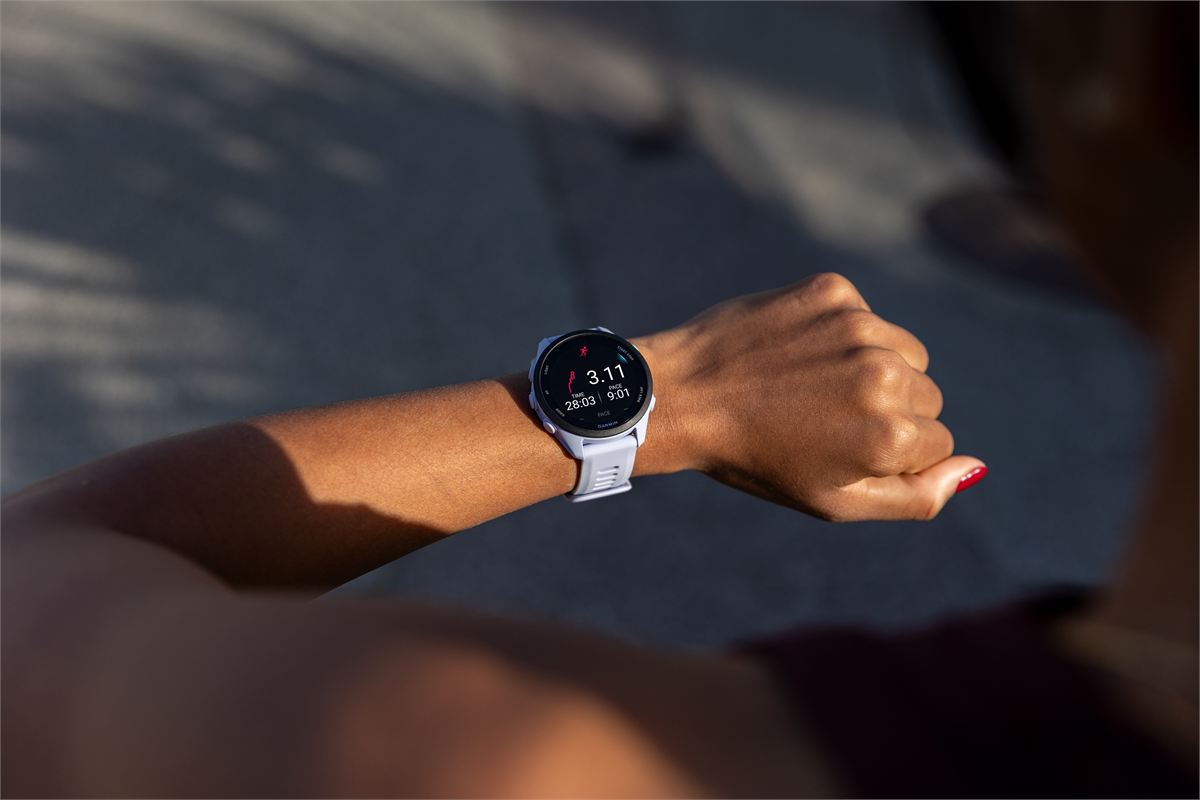
Garmin says the Cirqa can broadcast heart rate to compatible Garmin devices over ANT+ or Bluetooth, naming Edge bike computers. Owners report pairing it to a Forerunner too; one wears the band on the upper arm and finds it steadier than a wrist sensor in sprints. To set it up:
- In Garmin Connect, turn on Garmin Devices > CIRQA > Health & Wellness > Broadcast Heart Rate. With Device Control on, holding the button for 3 seconds toggles broadcasting.
- Pair the band from your watch's sensor menu, as you would a chest strap.
- Turn broadcasting on before each workout, or leave it on and accept the battery cost; Garmin says broadcasting shortens battery life.
Owners reported Bluetooth broadcasts dropping after an August firmware update while ANT+ kept working, so ANT+ is the safer link to a watch that supports it. The Cirqa cannot do the reverse: it does not connect to a chest strap or other external sensor. Our Cirqa problems guide covers broadcast fixes.
HRV Status and Training Readiness when you switch devices
Garmin says an HRV Status baseline needs three weeks of consistent sleep data, meaning at least four nights a week, and that a factory reset can mean another three weeks. Physio TrueUp shares HRV Status between compatible devices, and Garmin has published nothing saying that changing your Primary Wearable restarts the baseline.
What owners do report is different readings. At least 4 owners in one Garmin forum thread see lower overnight HRV after moving to the band, which can push HRV Status out of its usual range. One of them reports readings about 10 ms lower with the band on the upper arm and says they were fine on the wrist; a fifth owner sees no difference. Wear the band on the wrist overnight, sleep in the same device every night, and give a new setup three weeks before you judge the trend. Our HRV guide for runners explains how to read the trend.
Training Readiness syncs between devices once a day, after you wake, and Garmin says it can drift between devices during the day. Owners mixing devices report blank or stale readiness tiles, including a Home widget that keeps the morning value after a watch workout until the band syncs; Garmin's staff were still collecting details in October.
Home tiles vs detail pages: which number to trust
This is the most common complaint, and Garmin's own support article explains most of it. Home and At a Glance cards can show live data while a device is connected over Bluetooth, but detail pages and reports update only after a successful sync. The Training Readiness detail page updates only when you wake, after a recorded activity, or when your readiness level changes, and past days keep the wake-up score. Garmin also lists a wrong time or date on the device as a common cause.
- Sync both devices, then compare again before trusting either number.
- For today's live value, read the Home tile; for history and trends, read the detail page after a sync.
- If they still disagree after syncing, Garmin's staff have asked owners for screen recordings through Garmin support. No fix had been announced as of mid-October.
Steps, stress, and other quirks owners report
Garmin says the Primary Wearable's steps win when two devices count at the same time, so nothing is counted twice. These reports run against that, each from one or two owners, with no Garmin reply yet:
- Extra steps: a fenix 8 owner wearing both all day saw Garmin Connect show about 3,000 more steps than the watch, and a cyclist found the band added steps during an indoor ride recorded on an Edge.
- Both priorities flip together: setting one sometimes changes the other. One owner's fix was to tap "Not now" on the prompt, leave Settings, and reopen it.
- Live heart rate ignores the watch: with the band as Primary Wearable, Connect's live heart-rate widget can keep showing the band while it is connected nearby.
- Missing sleep: a few owners lost a night's sleep data when a second device was paired or worn; setting a sleep schedule fixed it for one.
A setup that avoids most conflicts
- Update both devices and Garmin Connect. The Cirqa's newest firmware is 4.20, a staged rollout Garmin began on October 19, 2026, so your band may not have been offered it yet.
- Set the priorities. The watch as Primary Training Device; the device you sleep in as Primary Wearable.
- Turn off the band's auto-detection if every run is recorded on the watch.
- Wear the band on the wrist overnight and keep sleeping in the same device.
- Sync both devices after workouts and each morning.
- Give it three weeks before judging HRV Status or Training Status, and check that Body Battery reaches your watch if it is an older model.
Bottom line
The Cirqa and a Garmin watch share one account well, as long as one device records each run and you know which device wins each kind of data. Most of the oddities owners report are Home tiles that lag behind a sync, and they settle once both devices sync. If you are still deciding whether to add the band, read our Garmin Cirqa review; for bugs on the band itself, see the Cirqa problems guide.
FAQ
Should the Cirqa or my watch be the Primary Wearable?
The device you sleep in. Garmin's sleep FAQ tells owners of more than one device to wear their Primary Wearable to bed. If your watch stays on around the clock, make it both Primary Wearable and Primary Training Device, as Garmin recommends. If it comes off after runs or at bedtime, make the Cirqa the Primary Wearable and keep the watch as Primary Training Device.
Will the Cirqa's data show up on my Garmin watch?
Training data such as HRV Status, Training Readiness, and VO2 max syncs to watches that support Unified Training Status, and Body Battery reaches watches on Garmin's Body Battery TrueUp list. Older models such as the fenix 6 and Forerunner 945 miss some of it. If you sleep in the band, make it your Primary Wearable: one owner who kept a fenix 6 as Primary Wearable got no Body Battery for nights in the band.
Do I get duplicate runs if I wear both?
You can. Garmin says the band skips auto-detection when another device's activity syncs first, but owners still see duplicates. Turn off the Cirqa's Auto-Detected Activities if you record every run on your watch.
Can my Forerunner use the Cirqa as a heart-rate strap?
Owners report it works. Turn on Broadcast Heart Rate in Garmin Connect, then pair the band from the watch's sensor menu. Owners have found ANT+ more reliable than Bluetooth since an August firmware update, and broadcasting shortens the band's battery life.
Why do my Home and detail screens show different numbers?
Garmin says Home cards can show live data over Bluetooth while detail pages update only after a sync, and the Training Readiness detail updates only on waking, after an activity, or when the level changes. Sync both devices and compare again.
Does switching devices reset HRV Status?
Garmin has not said so; it gives a three-week rebuild only for new or factory-reset devices. At least 4 owners in one Garmin forum thread report lower overnight HRV on the band, which can move HRV Status out of range, and one of them ties it to wearing the band on the upper arm. Wear the band on your wrist at night and sleep in the same device every night.